Getting Started in Make a Drink
Day-one walkthrough for new baristas — from first ticket to steady tips.
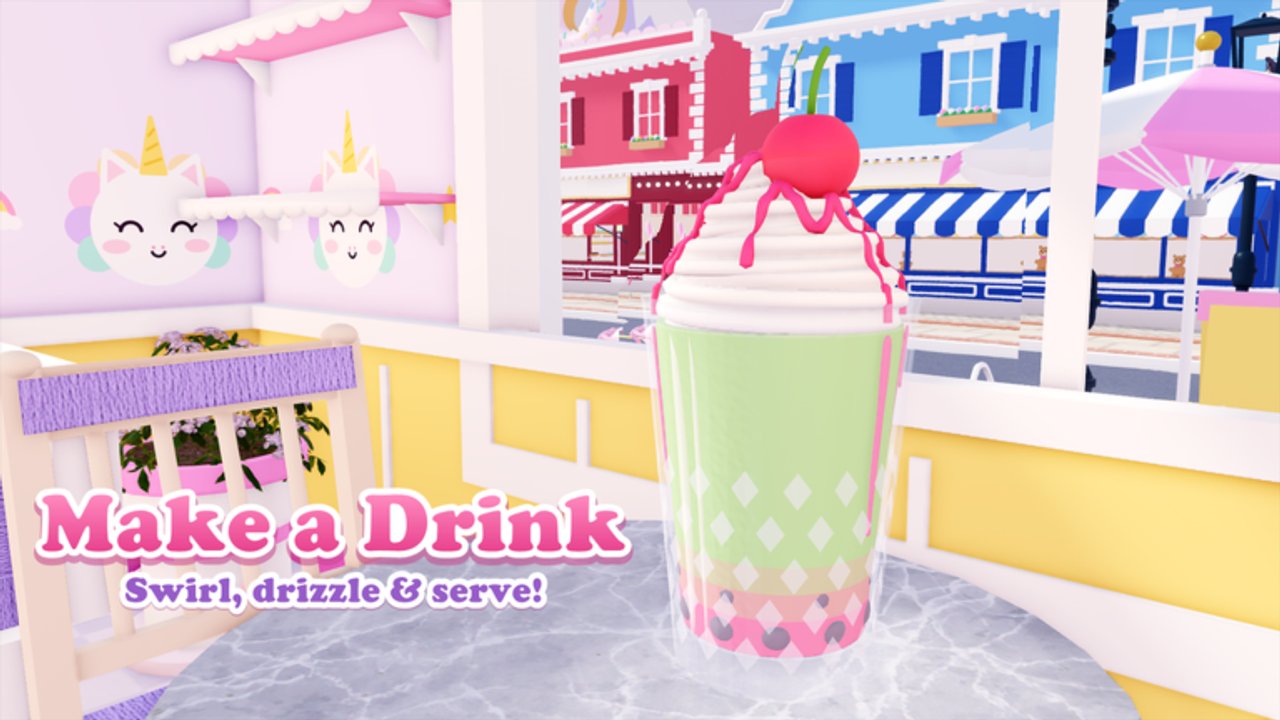
New to Make a Drink on Roblox? This beginner guide gets you from the experience page to consistent tips without wasting your first session. Make a Drink is a cozy café Simulation/Tycoon released on 21 October 2026 (place 131660071022768, universe 10772169253, creator group Make a Drink). Up to six players share a server. The fantasy is simple and addictive: take cute customer orders, build the drink exactly as ticketed, serve for tips, level through 100+ ranks, unlock flashy cups and flavors, then grow a stand into a decorated shop with hired staff.
Launch checklist
- Open the official Roblox game page and press Play.
- Wait for the café HUD — do not spam interactables until UI widgets finish loading.
- Complete any onboarding prompts; they introduce cup selection and the pour meter.
- Serve three clean tickets before spending heavily on décor.
- Bookmark this wiki’s Guides Hub for the next deep dives.
The drink ticket, explained
Every customer shows a ticket. Read it top to bottom before you touch a cup:
- Cup — standard, specialty, or unlockable styles (kitty cups arrive later).
- Base — pour to the fill line; short pours and overflows both hurt tips.
- Syrup — pump count matters; extra pumps are not “more flavor,” they are wrong orders.
- Add-ins — boba, jelly, pudding, or seasonal bits when listed.
- Texture — blend smooth, blend chunky, or keep layers.
- Finish — whipped cream, sauce drizzle, toppings such as macarons, sprinkles, or mini donuts.
If anything on the ticket is unfamiliar, glance at recipes & unlocks after your first session rather than guessing mid-order.
Your first perfect-ish drink
Speed comes later. Accuracy comes first:
- Select the cup shown on the ticket.
- Pour the base slowly until the liquid meets the fill line.
- Add the exact syrup pumps.
- Drop required add-ins.
- Choose blend mode or leave layers if the order wants stripes.
- Apply cream, drizzle, and toppings in the listed order when the UI sequences them.
- Deliver to the waiting customer and watch the tip popup.
When tips feel random, they usually are not — you missed a pump or overshot the line. The mid-page video below shows the café vibe in motion; pause it and mirror the pour pacing in your own lobby.
Early goals for session one
- Land several full-tip serves in a row.
- Learn where the Codes button sits (even if no codes are active — see Codes Hub).
- Note which toppings you already own versus locked silhouettes.
- Resist buying every décor piece; save coins for unlocks that expand the menu.
- If the lobby is crowded (peak concurrents often hover near ~1400 game-wide), claim a clear stretch of counter and communicate politely.
What to unlock next
Progression stretches across 100+ levels. Early ranks open basic flavors and toppings; mid ranks introduce spectacle cups and glazes such as galaxy soda and rainbow glaze. Use the leveling guide once you can finish tickets without rereading every line. Rank cups and flavors later with the cups & flavors tier list so coins go toward high-value cosmetics.
Café growth (stand → shop)
Make a Drink lets you decorate the café and hire staff as you earn. Do not hire before you understand ticket flow — staff amplify a good layout and punish a chaotic one. When you are ready:
- Plan stations with café decoration.
- Learn wages, coverage, and customer flow on staff & café management.
Seasonal ingredients appear often; skim updates after patches so new syrups or toppings do not surprise you mid-rush.
Common beginner mistakes
| Mistake | Better habit |
|---|---|
| Pouring as fast as possible | Match the fill line, then speed up |
| Ignoring blend vs layers | Follow the ticket texture note |
| Buying décor first | Unlock menu items that raise ticket variety |
| Skipping add-ins | Boba/jelly/pudding are scored |
| Chasing scripts day one | Learn the loop; scripts are risky (scripts hub) |
After the tutorial hour
- Drill pours with perfect pour.
- Plan XP with the leveling guide.
- Browse recipes so seasonal drops slot into muscle memory.
- Check codes after announcements; redeem via how to redeem.
- Keep official links handy on the wiki links hub.
Make a Drink rewards calm, accurate baristas. Nail the ticket, smile at the tip counter, and grow the café at your pace — the rest of this wiki is here when you want to optimize.
Frequently Asked Questions
Quick answers for new baristas and cafe owners.
Is Make a Drink free to play on Roblox?
Yes. Join from the official Roblox experience page. Optional purchases may exist for cosmetics, but the core pour-and-serve loop is available to everyone.
How many players can share a Make a Drink server?
Servers support up to six players. Expect shared counters during popular hours.
What should I unlock first?
Prioritize flavors and toppings that appear on common tickets before heavy décor. Use the leveling and recipes guides for a full roadmap.
Where do I redeem codes as a beginner?
Use the in-game Codes button. Full steps are on the how-to-redeem page; the Codes Hub lists whether any codes are active.